Self-Hosting a TRMNL using LaraPaper
As someone with A.D.D, one thing I’ve learnt as a method of managing my attention span is by keeping a to-do list. While everyone has their methods, mine must particularly move at the speed of my own mind, lest I am to lose the thought before I have a chance to write it down. In much the same thought, keeping a to-do list isn’t of much help if it’s not readily available, as I’ll quickly forget to use it.
I’ve been using Asana as my primary tool for this purpose for a decade now. It’s an imperfect but passable solution for what I need. However, it satisfies part of my need for the speed of being able to organize my thoughts and schedule, but falls short in being in front of my face. I’ve been waiting for what feels like the right solution for displaying my tasks. I’ve thought about creating widgets, syncing my asana tasks to my Google calendar to various devices, or turning back to old fashioned sticky notes.
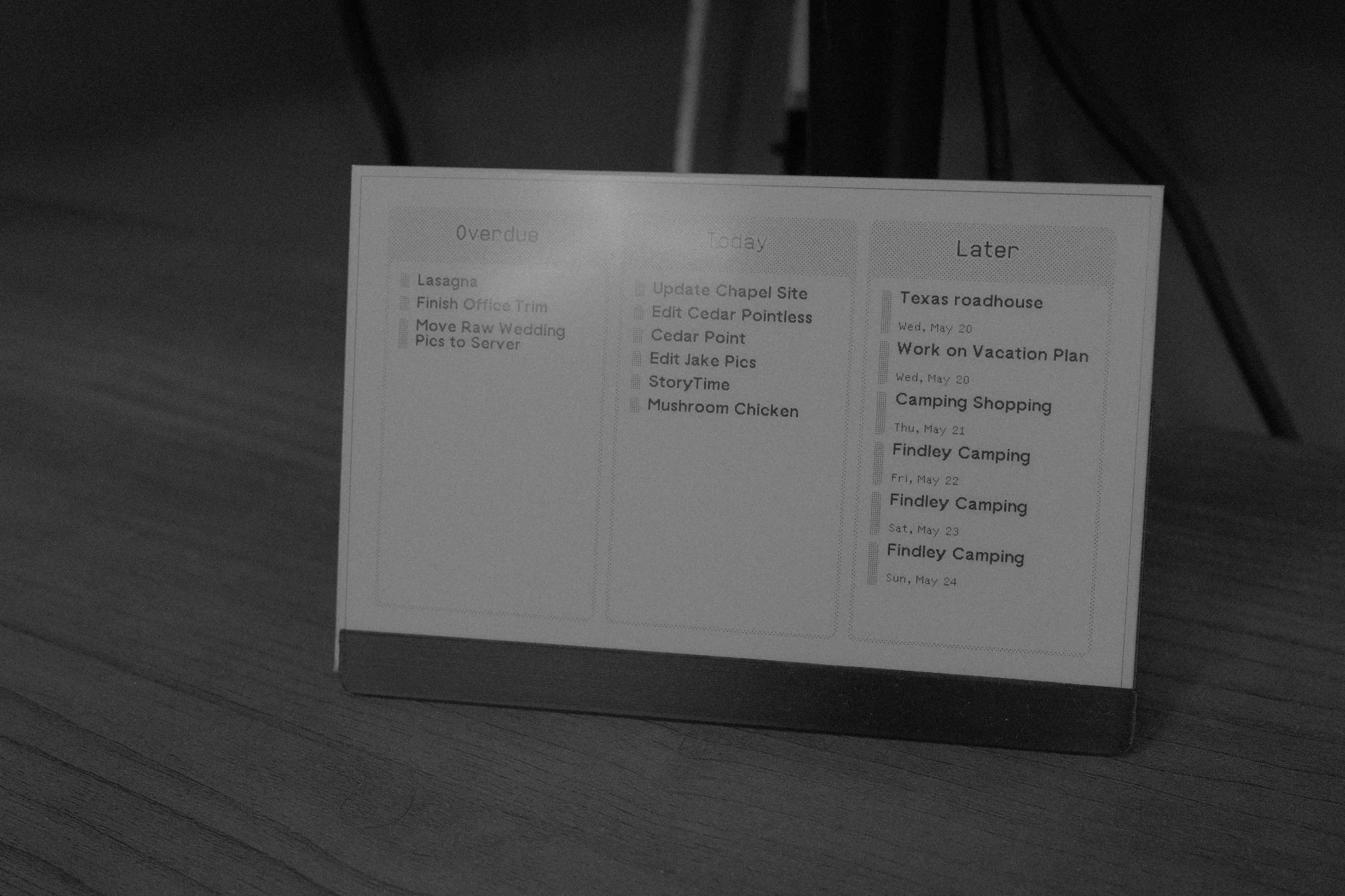
I first learnt about the TRMNL watching a youtube video, and I immediately realized it was the thing I had been looking for the entire time. It checked off every possible box for me. It was relatively cheap, compared to something like a network connected photo frame or something similar. It had an e-ink display, eliminating any concerns about having to keep it plugged in or worrying about battery issues. It was network connected with wifi, meaning that it wasn’t relying on my to manually update it. And, best of all, it was open source and self-hostable, meaning that I had no risk of the rug being pulled out from under me. I picked up two of the DIY kits from Seeed Studio, and set one up on my desk in my office and one on our fridge.
Given that self-hosting was an option, I knew that was the route I wanted to go, so I selected the Laravel-based LaraPaper as my server and set up my two units to connect to it. Now, there was only one issue; I had no screens to display. One of the major downsides of choosing the open-source hosting options is that you don’t get unfettered access to the massive library of plugins available for the hosted version of TRMNL. This means that I had to develop my own. Not a huge deal, I thought to myself, as TRMNL’s framework is publicly available.
My first version was crude, but it got the basics up. First I needed to set up an API key to pull tasks from Asana, which was relatively trivial to get set up. However, there was an issue I found early on, which was actually sorting through all of the tasks to place them into relevant slots; by default, all tasks just come dropped in one large list. However, I wanted my to-do list to primarily focus on today’s tasks in addition to maybe using any extra space to show tasks around today. My solution ended up being to set up an automation on my n8n instance to take the tasks and add a field to each of them, which either categorized them as overdue, today, or future based on their relativity to today’s date. Using this, I was then easily able to filter them using TRMNL’s liquid markup into three different lists which I was then able to display. I decided to keep it as basic as possible to get my first version up and running.
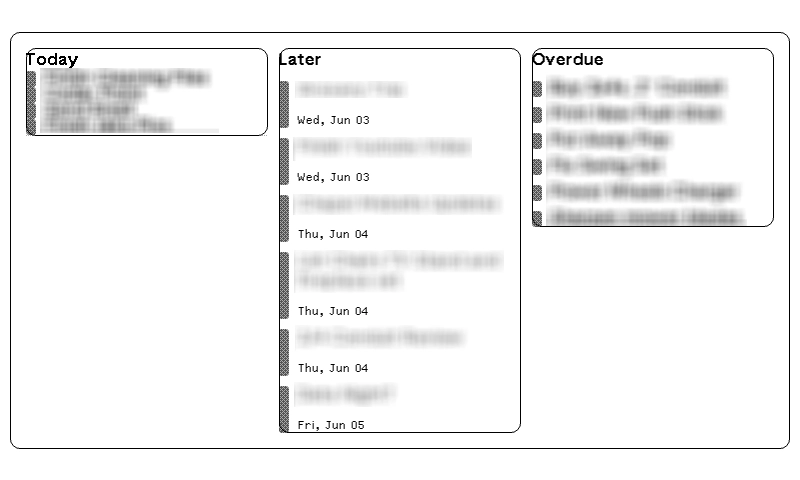
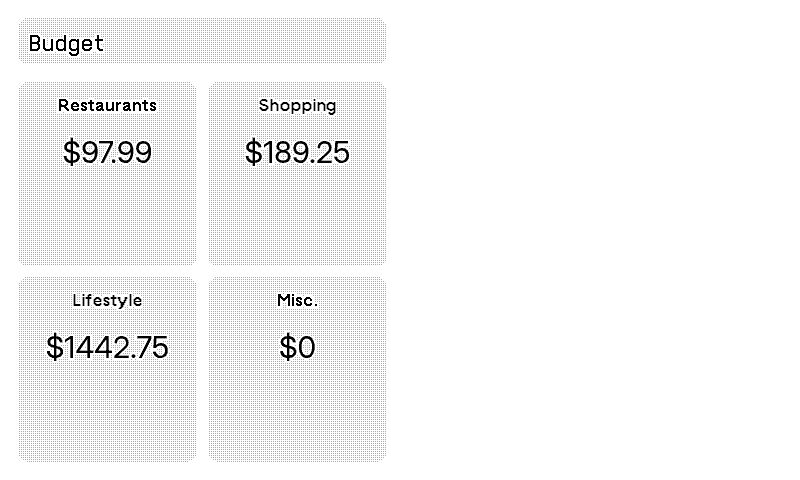
The first bit of complexity came when I later wanted to add a new screen to my fridge unit. The goal of this screen was to pull data from our budgeting application, Actual, and display our current month’s finances on the screen. As I wanted to have this budgeting tool only use half the screen, I wanted to use the other half for my to-do list, but I hadn’t developed a version of it for half-screens. I ended up building my Actual budget version by deploying a docker container called Actulhttpapi, which exposes a REST API for Actual budget by running a version of the budget in a container and translating API calls to the REST API, which then I could pull into my API call on the TRMNL. I also added some logic to hide one grouping of my tasks on the half-screen view based on the view size to make it flexible in the half-screen mode. This worked great for a while…
However, an update to the software broke my to-do list tool. It wasn’t showing correctly at all anymore. I ended up deducing the reason for this was my use of the pixel-perfect tag on my text not rendering correctly. However, instead of removing it, I took the opportunity to rebuild both the full-screen and a proper half-screen version of the plugin.
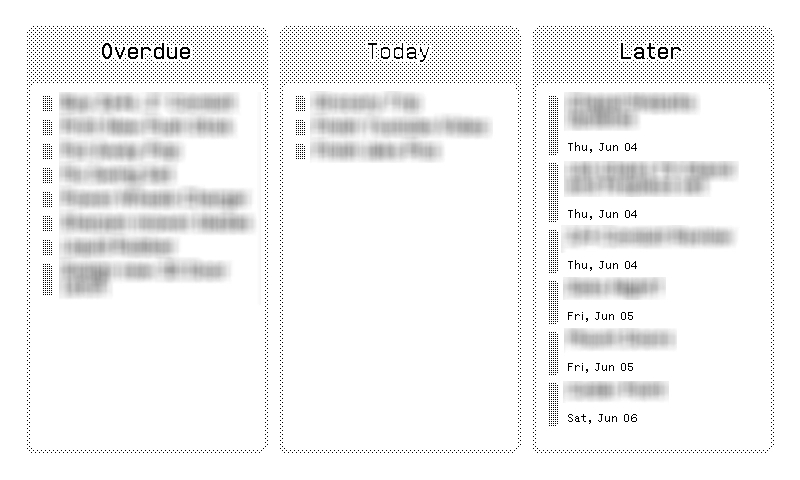
The end result is actually excellent. I 3D-printed housings to go with them and was able to garner a considerable amount of wife-approval factor on the fridge version, and it actually is something we do use every day. I charge them one ever coupe of months and they more or less work without intervention except for the one time the update broke them.